An online class can be disorganized in many ways, but this post will focus on the issue of disorganized content. In this context, content includes any and all of the materials found on the platform (i.e. D2L or Blackboard) for the students to use or learn from. Here are some examples:
- assignment instructions, templates, or rubrics
- discussion forums
- dropboxes
- readings, lecture slides, or videos
Instructors generally have a lot of freedom when structuring their courses and you’ll see this reflected in how different all of your online classes probably look. Most classes use the same general idea as a framework, though.
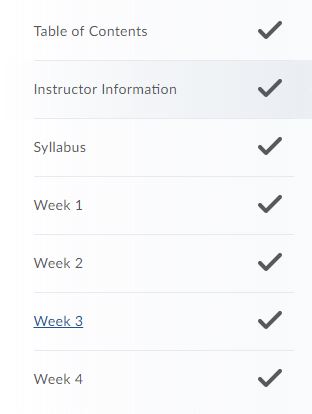
Assignments are broken up into sections that can be based on weeks, lessons, modules, etc. Usually a student can just follow through these sections in a linear fashion and always find what they need by seeing what comes up next after they complete something.
Here are some tips if that doesn’t seem to be the case:
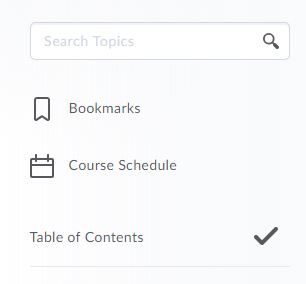
- most platforms, like D2L, have a search option that allows you to search the entire class for whatever you type in
- ctrl+F on most computers will let you search an entire webpage. select the table of contents so that the entire class is listed on a single page and use this!
- if you know an assignment should be in a certain location but you don’t see it’s name, try opening some of the assignments that are there. maybe the instructor mis-titled something by mistake.
- if you absolutely can’t find something after a solid ten minute search (don’t be lazy, actually look first!), reach out to your instructor. it’s better to risk looking a little dumb than to waste hours searching for something that they might have just forgotten to upload.
Assignments themselves take up enough time as it is; your time is valuable don’t let it be wasted!
 Class On-The-Go